
Rons Data Compare - CSV File Compare and Synchronisation
A Windows CSV compare application for comparing and synchronising data.
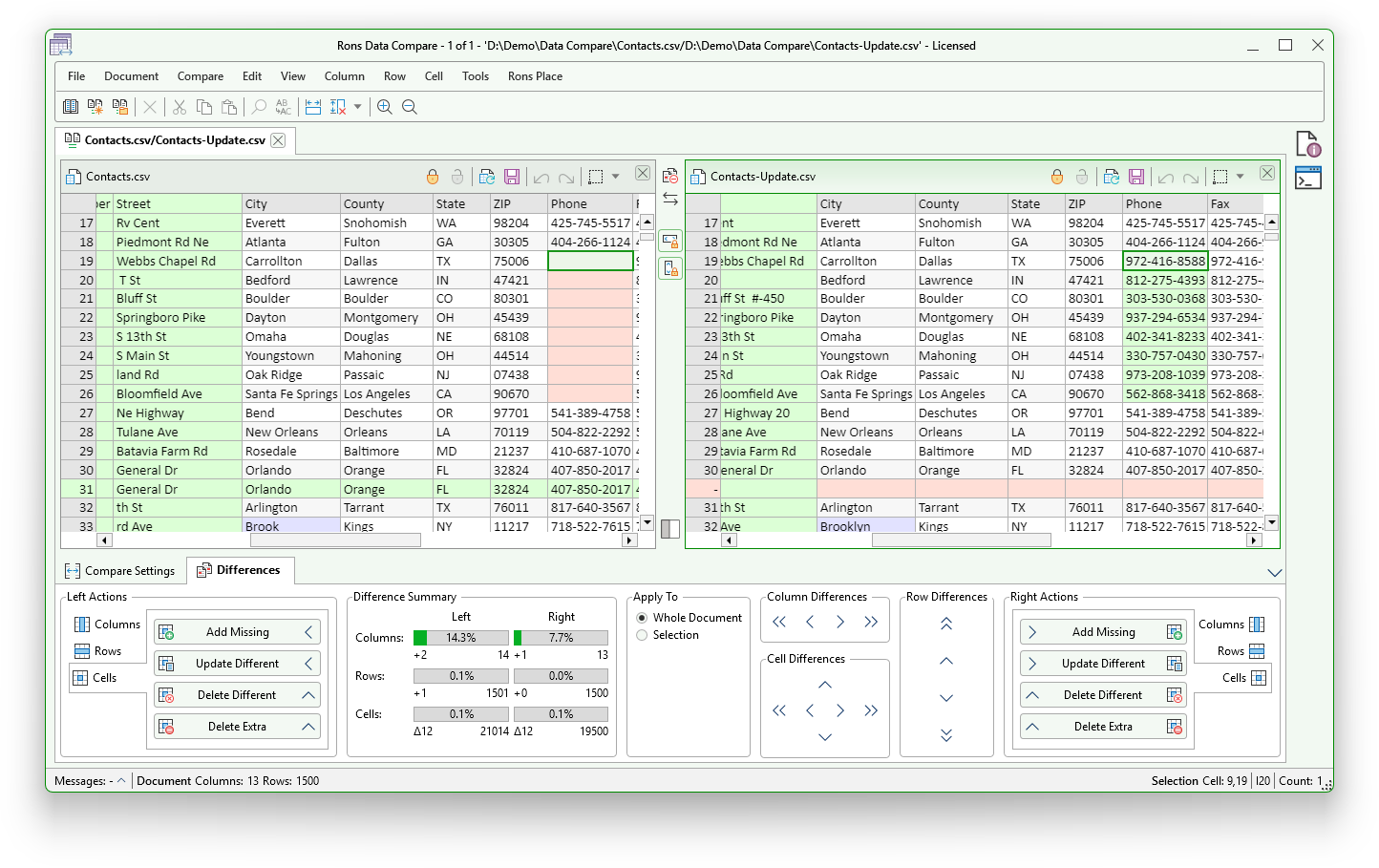
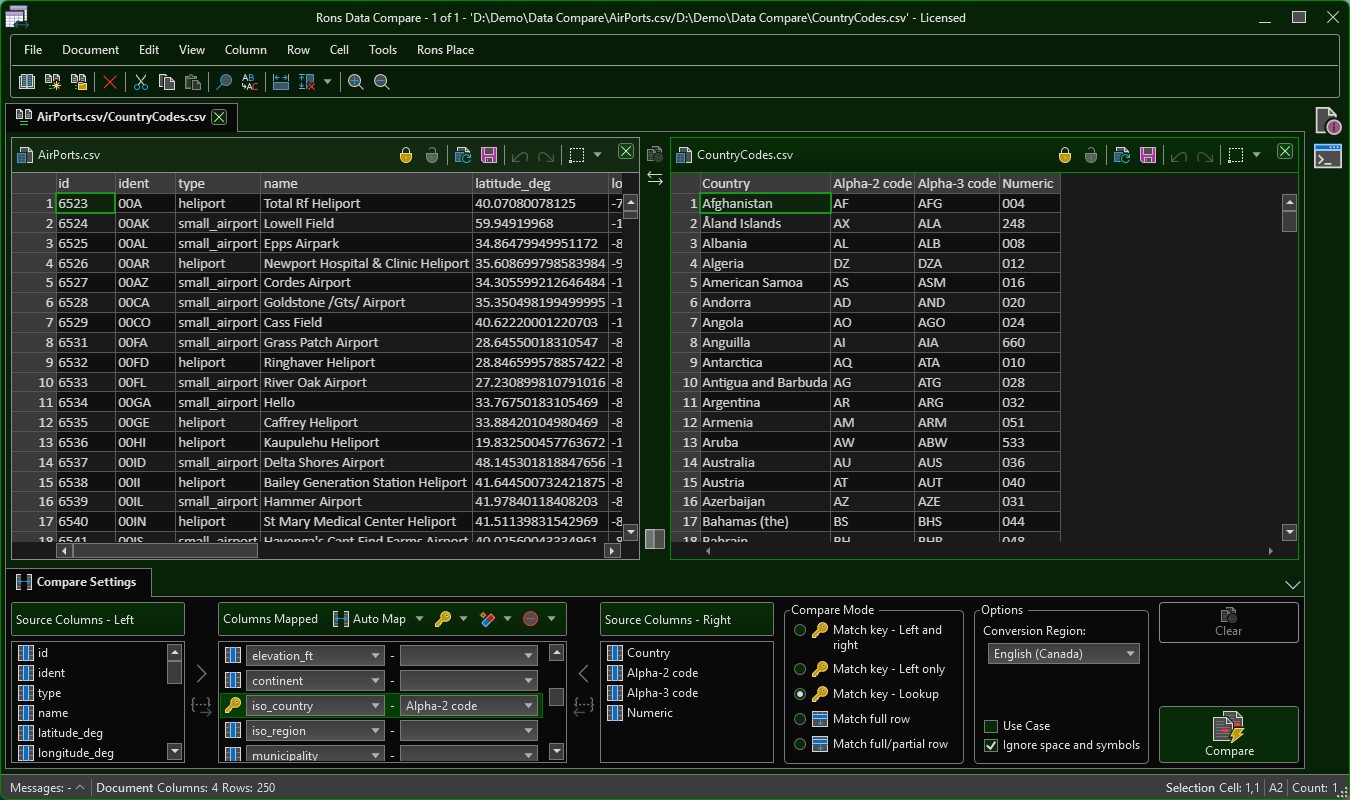
Rons Data Compare in action (light)
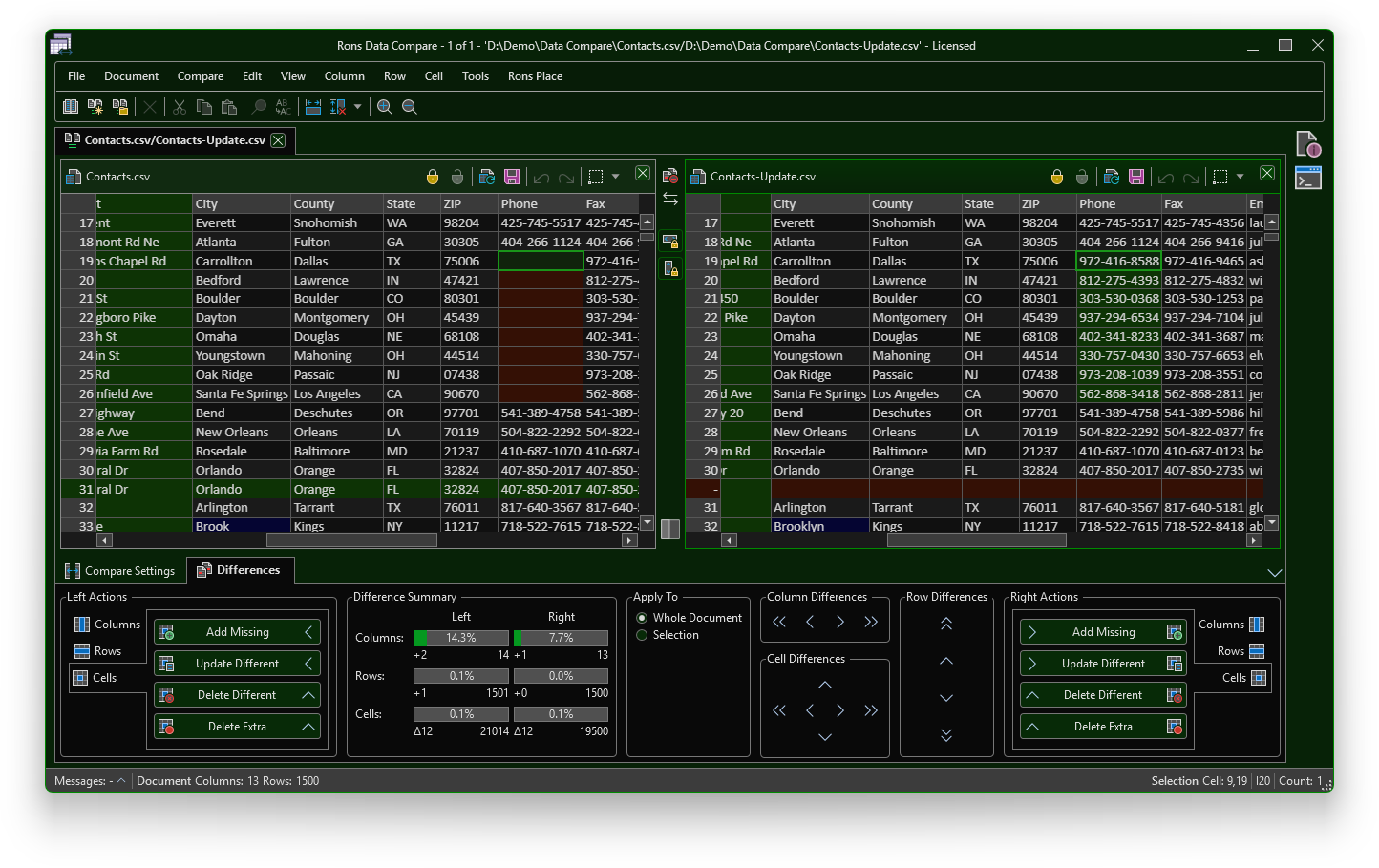
Rons Data Compare in action (dark)
Rons Data Compare is a Windows desktop application that provides a safe and intuitive environment for comparing and previewing differences between two CSV files.
Built on the proven technology of Rons Data Edit, it retains all the power and flexibility of advanced tabular text processing while adding a clear, user-friendly view of file differences. Users can easily navigate between changes and perform bidirectional updates, either across the entire document or within selected sections, making it simple to review, synchronize, and manage data changes efficiently.
Clear
Each comparison session displays the two documents side by side, with column, row, and cell-level differences clearly highlighted. The comparison overlay can be toggled on or off as needed, and the documents can be swapped instantly with a single click.
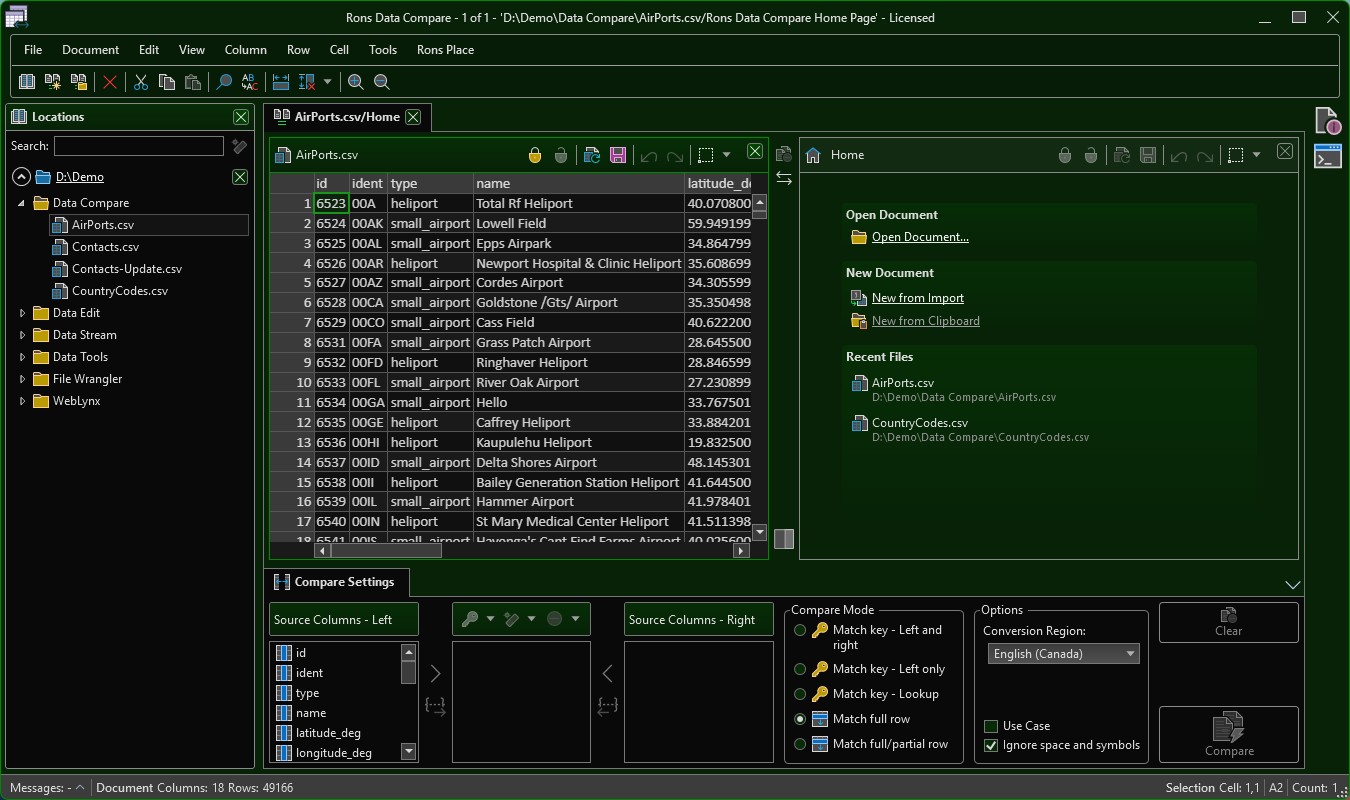
Multiple comparison sessions can be opened simultaneously, each in its own tab. The Locations panel makes it easy to open and preview additional documents, or quickly assign them to either the left or right side of the active comparison.
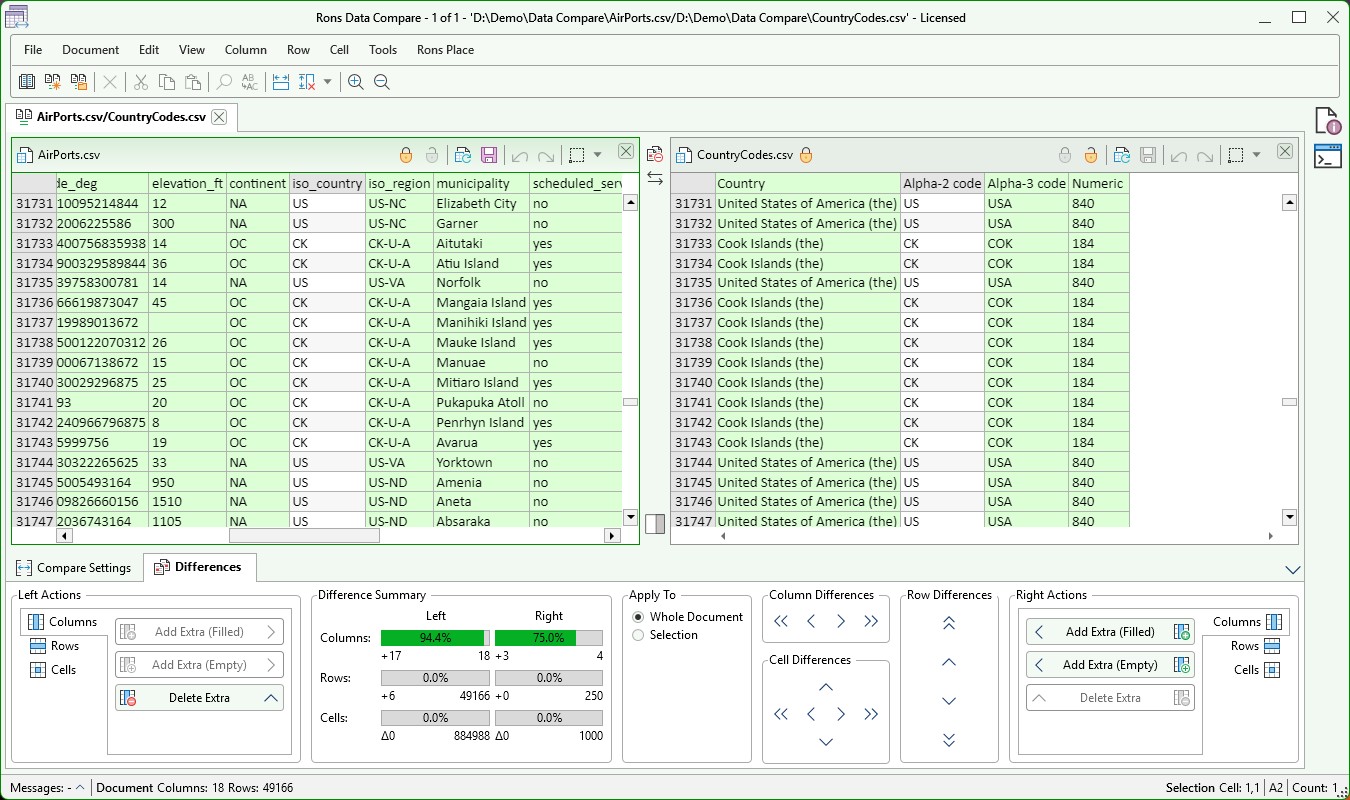
Comparison statistics provide an immediate overview of the differences between the two documents, making it easy to assess the scope of changes at a glance.
Flexible
Built on the proven technology of Rons Data Edit, the comparison features are presented as an overlay on top of the underlying documents. This approach provides a clear view of differences while ensuring that all update operations are applied directly to the source data.
Documents can be edited normally when comparison mode is disabled, and compared instantly when it is enabled, with full undo and redo support available throughout the process.
Files for comparison can also be imported directly from external sources, making it easy to enhance an existing CSV file with data copied from HTML or Markdown tables, such as those found on web pages.
Powerful
With five comparison modes, automatic column matching, key-column comparison, and partial row analysis, identifying differences in your CSV files is quick and effortless.
Once detected, column, row, and cell-level differences can be easily reviewed using intuitive navigation panels, while scroll lock keeps both documents perfectly aligned for side-by-side comparison.
Update operations can be applied to the entire document or a selected range, supporting everything from full synchronization to structural alignment. Most tasks can be completed in three clicks or fewer, making data reconciliation fast and efficient.
Compare Any Delimited File
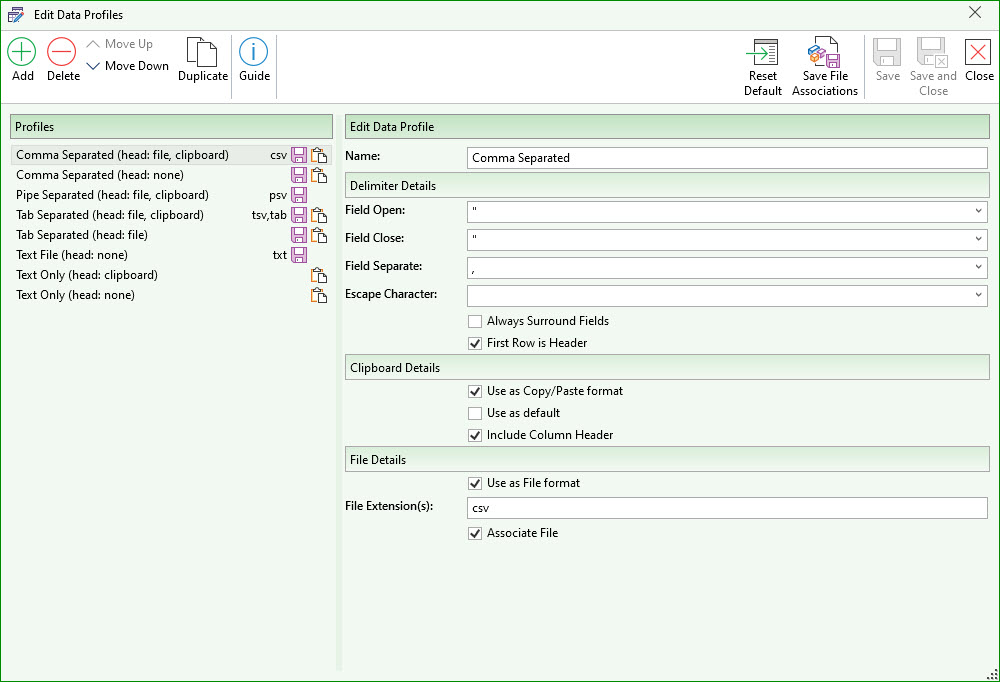
The Text Editor uses customizable Profiles to define sets of delimiters associated with file extensions or copy/paste formats. This means you can effortlessly edit any separated text file — whether it's CSV, TSV, PSV, TAB, or another format.
The built-in Auto-Detect feature automatically identifies delimiters and works seamlessly with Profiles to ensure smooth file opening every time.
Additionally, the editor fully supports all common text encodings, including UTF-7, UTF-8, UTF-16, and UTF-32, with automatic detection for maximum compatibility.
To Get Started
Would you like more detailed information? Please refer to our complete feature list.
Download Rons Data Compare and enjoy its simple installation and easy-to-use design.
Rons Data Compare Options
 Rons Data Compare Lite
Free
 |
Maximum 2500 rows can be saved (load unlimited) |
|
Advertising banner included |
 |
All other options available |

Rons Data Compare Pro
$20.00
|
No row save limit |
|
Advert banner free |
|
All other options available |
|
Fully Pro |

Related Information
Rons Data Compare


